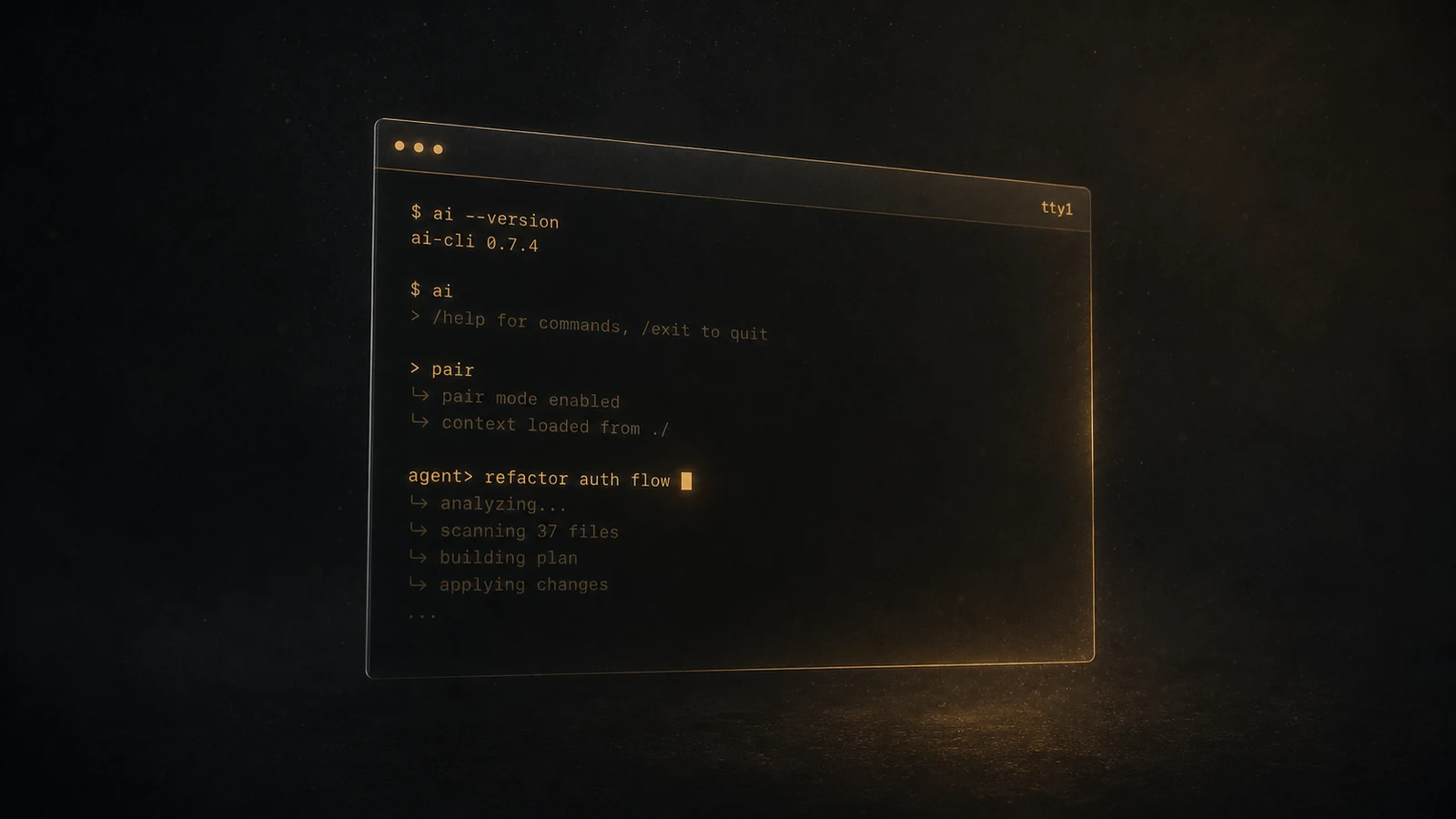
Aider review 2025: the no-frills AI pair-programmer that quietly outlasts the hype
Aider is the OSS CLI AI coding tool that does one thing well: edit your repo from a chat prompt. After three months of daily use, here is what it gets right and where it shows its age.
Our verdict
Best for: Engineers who already live in a terminal, want full control over which model handles which edit, and prefer git-native workflows. Excellent default for solo or small-team work.
Not for: Anyone wanting a polished GUI experience, tab completion, or zero-config onboarding. Aider has the personality of an emacs config file — extremely good once tuned.
Aider is the AI coding tool nobody talks about and a lot of senior engineers use daily. It is a Python CLI that connects to whatever LLM API you point it at, watches your git repo, and edits files based on conversational instructions. There is no GUI, no tab completion, no MCP layer, no autonomous agent mode. It does exactly one thing — propose and apply edits, commit them, iterate — and it does that thing with less ceremony than anything else on the market.
After three months of daily use across two production projects and a fair bit of weekend exploration, I have a clear take on where Aider fits in 2025: it is the right default for the engineer who already lives in a terminal and resists the idea of switching editors to gain AI features. It is not the right default for greenfield product engineers who want their AI to feel like a teammate. The trade is conscious, and Aider sits squarely on one side of it.
Two videos that capture what daily Aider use actually looks like
The clearest one-take walkthrough is Zen van Riel’s “Why you should use Aider for AI coding” (10 min, 32K views, November 2024). The framing he opens with is what most engineers who switch to Aider eventually say themselves: “I use AI as a 24/7 pair programmer directly in my terminal.” He installs Aider with pip install aider-chat, launches it inside a Python repo with /add *, asks “what is the goal of this repository?” — Aider reads the files, answers correctly, then he asks it to document a method named generate_openai_embeddings. Aider writes the docstring inline, commits it. He then asks for a real feature change: “exit if the user input exceeds 100 words.” Aider edits the file, suggests adding tests, and writes the test file. Five minutes of video; three real edits committed; no IDE involved.
mccormix’s “My aider AI dev setup” (8 min, 14K views, February 2025) is the more interesting take because his stack is ClojureScript — a niche language where most AI tools struggle. He runs Aider against a four-file ClojureScript repo, asks it to “create a basic calculator,” and Aider produces a working implementation with state, layout, styling, and rounded-corner buttons that hot-reloads into the running app the moment the file is written. The ClojureScript framework’s live-reload picks up the new file and the calculator appears in the browser. That is the workflow that makes Aider’s terminal-first approach feel like a feature rather than a constraint: there is no editor in the middle to update, no “accept” button, no diff overlay to dismiss — your dev server is your preview.
His configuration tips are the second half of the video and worth lifting verbatim because they are not in the official quick-start docs:
auto_commits: false— he disabled Aider’s default auto-commit because he wants “a human in the loop” before code lands in gitauto_lint: true— Aider runs your linter after each edit and passes errors back to the model, which fixes themread: conventions.md— Aider sends a project-specific conventions file (his is full of ClojureScript and React idioms, plus example code patterns) with every prompt so the model stays on-stack
That third one is the underrated Aider feature. It is the same idea Claude Code’s CLAUDE.md and Cursor’s .cursorrules formalized later — Aider had it first, in a config file that takes 30 seconds to write.
AICodeKing’s “Aider (Upgraded): This Coding Agent just got BETTER with Architect Mode” (13 min, 41K views, September 2024) covers the architect-mode addition — the pattern where one model (a stronger “architect”) plans the change and a cheaper “editor” model applies the diff. That split is now standard across CLI coding tools; Aider shipped it first.
What Aider actually is
pip install aider-chat, then aider --model anthropic/claude-3-5-sonnet-20241022 (or whatever model you prefer), and you have a REPL inside your repo. Aider knows your files because it scans them. It tracks edits via git, auto-committing each change with a structured message. You can /add files to the chat context, /drop them, /diff the working tree, /undo the last commit. The interface is plain text.
There is no editor integration in the conventional sense. You keep your editor open in another pane. Aider does the modifying; you do the reviewing.
This sounds primitive — and it is — but the trade-off is that the layer between you and the model is thin. There is no agent loop deciding when to stop. No hidden retries. No fancy context retrieval doing things you cannot see. The conversation is the unit of work, and you are always within one prompt of knowing what the model will do next.
The strong cases
1. Bring-your-own-model is real and works
Aider was built model-agnostic from day one. In April 2025, here is roughly how the routing math works in practice:
- Claude 3.5 Sonnet (or 3.7) for general editing — best quality-per-dollar for typescript / python / go
- DeepSeek V3 for routine refactors when budget matters — about a tenth of Claude’s cost, holds its own on smaller diffs
- OpenAI o1 / o3-mini for hard reasoning tasks — slow but solves things the cheaper models will not
- Local OSS models (Qwen Coder, Llama) for offline / privacy-sensitive work
You set this in ~/.aider.conf.yml and Aider routes accordingly. Cursor and Claude Code both have some version of this in 2025 too, but Aider’s implementation predates them and remains the cleanest.
2. Git as the source of truth
Aider commits every accepted edit (unless you turn it off as mccormix does — that is itself a meaningful choice the tool gives you). The commit messages are structured: aider: <model> — <description>. Your git log becomes a literal audit trail of what the AI did. If something breaks, git bisect finds the bad change. If you want to revert, git revert HEAD does it.
This sounds obvious. It is not how most other tools work. Cursor’s Composer lets you accept or reject diffs, but they are rolled up into a single mental “session” without per-change commits unless you make them yourself. Aider’s discipline forces hygiene.
3. Excellent at refactor + apply patterns
Tell Aider “rename getUser to loadUser across the codebase, update tests, run npm test and iterate until passing.” It does it. Not because the agent loop is clever (it is not — Aider has no agent mode in the modern sense) but because the model is good at structured patches and Aider gives the model what it needs: file contents, clear instructions, immediate feedback from test runs.
For multi-file refactors where you can write the spec precisely, Aider matches Claude Code’s output quality at meaningfully lower cost.
Where it shows its age
Three months in — what works, what frustrates
Pros
- Truly model-agnostic — switch between Claude / DeepSeek / GPT mid-session with `/model`
- Auto-commits every edit (or not, your choice), making the AI's work fully auditable
- Lightweight: starts in under a second, no daemon, no telemetry
- Conventions file is the cleanest "project context" mechanism in the category
- Excellent for multi-file refactors with clear specs
- Cost transparency — token usage printed after every turn
- Works in any editor (Vim, Helix, JetBrains, VS Code, you name it)
Cons
- No agent mode — does not auto-iterate or run tools on its own
- No tab completion. Cursor users will feel something is missing
- No MCP support as of April 2025 (the protocol is brand-new)
- `.aider.conf.yml` syntax has rough edges; advanced configs require experimentation
- Terminal-only interface means visual diff review is less ergonomic than Cursor
- Community is small relative to Cursor — fewer YouTube tutorials, fewer ready-made workflows
The single biggest gap right now is the lack of an agent loop. When a Cursor agent or Claude Code session is told “fix this flaky test,” it iterates — runs the test, reads the output, modifies the code, re-runs — until done. Aider does not do that without you driving it forward in the REPL. You say “run the test now,” look at output, ask Aider to fix what you saw, repeat.
For senior engineers this is often a feature, not a bug. The Aider loop is explicit. You see every step, you control every decision. Cursor’s agent mode famously leaves codebases half-changed when it gives up halfway through; Aider cannot give up because it has no autonomy to give up with.
But for a lot of engineers in 2025, the value of an AI tool is precisely that you can hand it a complex task and walk away. Aider is the wrong tool for that flow.
What the Aider-vs-Claude-Code conversation actually sounds like on Reddit
The single most useful thread for understanding where Aider fits in 2025 is “Using Aider vs Claude Code” (53 ups). The OP had been using Aider with o4-mini, GPT-4.1, and o3, and was about to migrate to Claude Code purely because of the hype. The comments are the conversation Aider users have with themselves regularly.
The most useful defense of Aider in that thread came from a senior engineer: “Generally the code quality of o3 is higher than any Claude models. But o3 is not agentic. It works well with Aider. So for power users who take it step by step Aider is indeed better.” That is the cleanest articulation of Aider’s actual niche — it is the tool that lets you use the best non-agentic model (which has historically been an OpenAI reasoning model) inside an explicit step-by-step loop.
The most common complaint about Aider in 2025, also from that thread: “I want to give Aider the shot but not having MCP is one of the biggest drawbacks to me.” That has been the recurring blocker — the MCP ecosystem matured fast through the first half of 2025 and Aider sat outside it. The trade is real: you get Aider’s transparency and you lose access to the Playwright MCP, the Context7 MCP, the Postgres MCP, and the rest of the connector ecosystem most heavy users now wire into their stack.
The third common observation in the thread reframes the comparison entirely: “feels like we’re sleeping on Aider. It too has ‘loops’, accept everything by default makes it act like Claude code isn’t it?” — meaning if you run Aider in --yes-always mode and let it apply edits without confirmation, the practical experience is close to Claude Code’s agent loop, just with a thinner abstraction layer. That is true. It is not the same product, but the gap is narrower than the marketing on either side would suggest.
The broader pattern across r/ChatGPTCoding in mid-2025 is captured by “Anyone else finding that CLIs outperform IDEs (on the same model)?” (38 ups). The top comment lands the structural reason cleanly: “The CLIs have a lot of context/prompt engineering built into them that is tuned to work with their specific models, while the IDEs are built by a third party on top of the product without any understanding of the underlying model internals.” Aider is the OG of that thesis. It is what Claude Code and Codex CLI look like when you strip away the agent autonomy and the MCP wrapping and ask “what is the smallest useful thing a terminal-based AI editor can be?”
Specs at a glance
Aider at a glance
- Pricing
- Free; pay only for the LLM API you use
- Models supported
- Anthropic Claude, OpenAI, Google Gemini, DeepSeek, OpenRouter, OSS via Ollama/LM Studio
- Platforms
- macOS, Linux, Windows — Python 3.10+
- Editor integration
- None required — runs in any terminal alongside any editor
- Agent mode
- No autonomous agent loop; explicit REPL-style turns (or --yes-always for near-agent behaviour)
- MCP support
- Not as of April 2025; protocol is new
- Open source
- Yes — Apache 2.0
- Telemetry
- Off by default
Creator POV vs Reddit dissent
The creator coverage on Aider in late 2024 and early 2025 is uniformly positive but quieter than Cursor or Claude Code coverage — Zen van Riel, mccormix, and AICodeKing land on the same set of takes (powerful, model-agnostic, perfect for terminal-first engineers, requires more discipline than the alternatives). The view counts on those videos are also smaller, which itself is signal: Aider is a tool the existing power-user community evangelises rather than one that pulls in new users through viral demos.
Reddit’s split is more interesting. Heavy users who tried Aider, moved to Claude Code, and stayed there tend to cite the missing MCP layer and the lack of agent autonomy as decisive. Heavy users who tried Aider, moved to Claude Code, and quietly returned tend to cite the transparency of the loop and the cost discipline. Newcomers tend to never try Aider at all because the activation energy (configure your API key, learn the slash commands, set up your conventions file) is higher than the alternatives. That last group is the one Aider keeps losing — not to a better product, but to a more onboarding-friendly one.
The recommendation
Aider is the right tool if:
- You already live in a terminal and switching editors is a non-starter
- You want a small, transparent tool you fully understand
- You care about cost transparency and per-turn token visibility
- You write specs precisely and want the AI to follow them, not to improvise
- You want the model-agnostic routing that Cursor and Claude Code only later copied
Aider is the wrong tool if:
- You want tab completion — Cursor wins
- You want an agent that runs autonomously and finishes long tasks — Claude Code wins
- You need MCP-style tool ecosystem integrations — both Claude Code and Cursor are further ahead
- You want a polished onboarding — both alternatives clear that bar more easily
- You need a team-wide tool with shared configuration and SSO — Aider’s local-first design is not built for that
For me, Aider lives in a terminal pane to the right of Helix on most days. Claude Code gets the heavier tasks. Cursor occasionally gets opened when I want to see a diff inline. The three coexist because they solve different problems — and Aider’s slice of “explicit, model-agnostic, git-native CLI” is one nobody else has matched in three years of trying.
Sources
Every reference behind this piece. If we make a claim, it's because at least one of these said so — or we lived it ourselves.
- Firsthand Three months of daily Aider use across personal and client work
- Docs Aider documentation — Aider project
- Changelog Aider release notes on GitHub — Aider
- YouTube Why you should use Aider for AI coding — Zen van Riel
- YouTube My aider AI dev setup — mccormix
- YouTube Aider (Upgraded): This Coding Agent just got BETTER with Architect Mode — AICodeKing
- Blog r/ChatGPTCoding — Using Aider vs Claude Code — r/ChatGPTCoding
- Blog r/ChatGPTCoding — Anyone else finding that CLIs outperform IDEs (on the same model)? — r/ChatGPTCoding