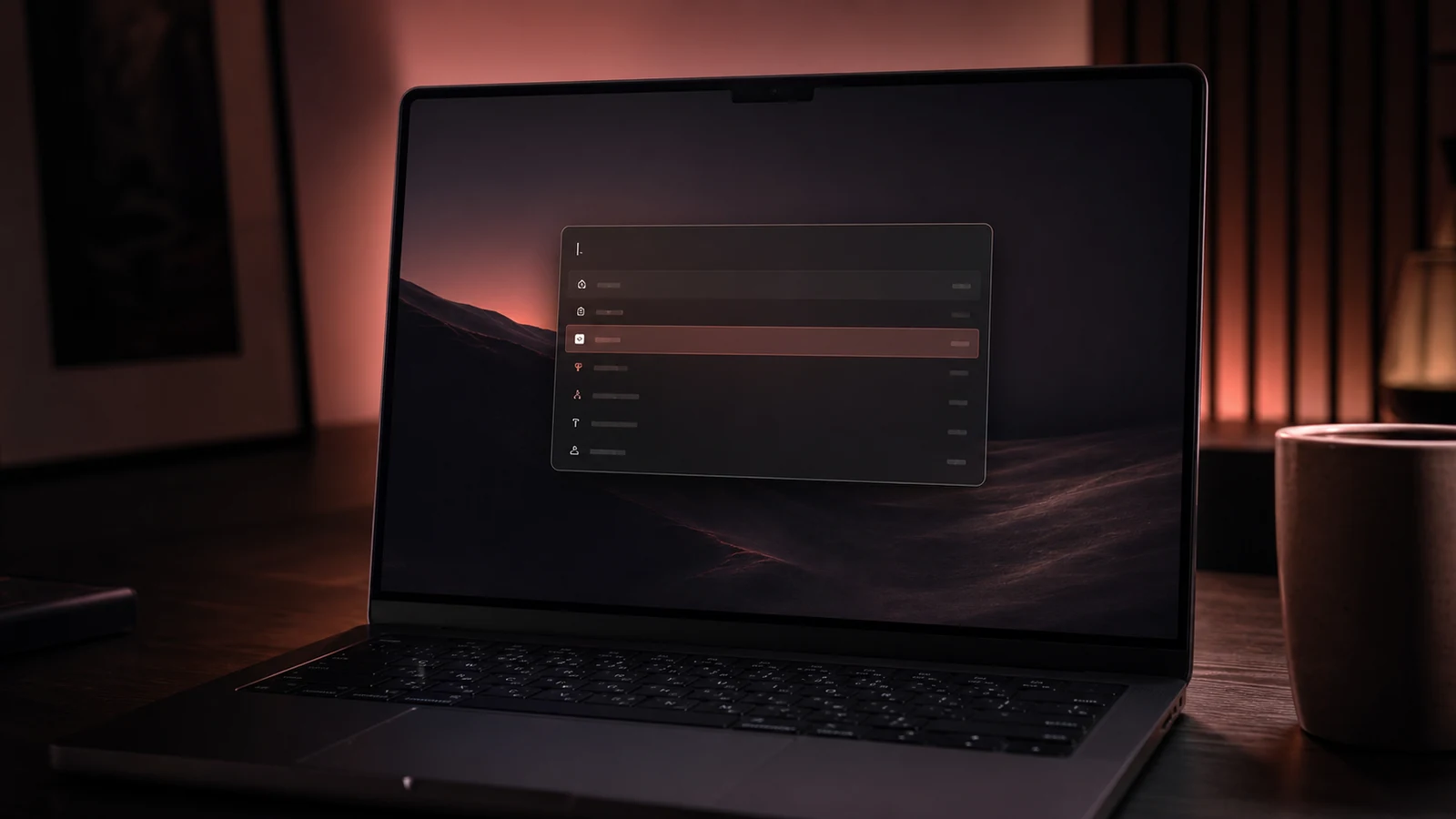
Raycast Pro AI features review: is the $8/month upgrade still worth it after BYOK?
After six months on Raycast Pro and watching the BYOK rollout, the AI subscription math has changed. Here is whether the upgrade still justifies itself for a working engineer in mid-2025.
Our verdict
Best for: Engineers who already use Raycast daily, want the AI overlay in their launcher, and either (a) do not pay for Claude/ChatGPT separately or (b) want to consolidate via BYOK.
Not for: Anyone who already pays for both ChatGPT Plus and Claude Pro — paying a third time for similar access. Also not for terminal-purist or Linux/Windows engineers.
Raycast is the macOS launcher that replaced Spotlight for most engineers I know who tried it. The free tier is already excellent. Raycast Pro adds AI features — chat with major models, AI commands, presets, image generation — plus cloud sync, themes, and notes. At $8/month annually, the question I get asked most is whether the AI side specifically is worth it on top of the free tier’s already-strong utility.
After six months on Pro, and watching the BYOK rollout reshape the value math in June and July, the answer has moved.
What the launcher does before you even touch AI
Bog’s “This (free) app adds killer features to MacOS” (17 min, 222K views, posted May 2025) is the best zero-cost intro to why engineers switch. He walks through window management, clipboard history, snippet expansion, calculator, unit conversion, Floating Notes — all on the free tier — and barely mentions Pro until the last third. That ordering is correct. The launcher value justifies installation on its own; AI is the optional second story.
MinorCo’s “1 Year With Raycast — Top 5 features you should know” (16 min, 17K views, posted May 2025) makes the same point from a more experienced angle. After a year, the workflows he keeps returning to are clipboard history, app switching with custom hotkeys, snippet expansion, and the calendar widget. AI Chat appears as a “nice extra” rather than the centrepiece.
If you are evaluating Raycast, install the free tier first. Live with it for two weeks. Only then ask whether the Pro AI layer is worth it for your workflow. The launcher itself doesn’t depend on you ever paying.
What you actually get for $8/month
The Pro tier bundles:
- AI Chat — a chat sidebar invoked from any window. Claude Sonnet, GPT-4, Gemini, Llama, Perplexity-style search modes all under one subscription
- AI Commands — single-purpose prompts you assign to a keyword (“summarise this URL”, “explain this error”, “translate to Mandarin”)
- Presets — preset chat configurations for specific use cases
- Cloud Sync — settings, snippets, scripts sync across devices
- Custom Themes — beyond the built-in dark/light
- Pro Notes — quick-capture notes accessible from the launcher
- Bring Your Own Key (BYOK) — rolled out in mid-2025, lets you point Raycast at your own API key for direct billing
AI Chat is the headline feature. BYOK is the headline change.
How the AI side actually works in daily use
You hit your Raycast hotkey, type a few characters to bring up AI Chat, and have a conversation with whichever model you have selected. The window is unobtrusive — it overlays on top of whatever you were doing. You paste code, ask a question, get an answer.
For quick “explain this error” or “what’s the syntax for X” questions, this is genuinely faster than opening claude.ai or chatgpt.com in a browser. Five seconds saved per question, several times per day, adds up to real time over a quarter.
The model selection is the underrated feature. You can switch from GPT-4 to Claude Sonnet to Llama mid-conversation. For a single subscription you get a wider model lineup than any one chatbot subscription would give you.
Where it does not replace dedicated chatbots
For longer conversations, project-based work, or anything that benefits from chat history persistence, the dedicated apps (Claude, ChatGPT) are still better. Raycast Pro’s AI Chat is optimised for quick interactions, not extended sessions.
For coding specifically, neither Raycast nor a chatbot is the right tool — that is what Cursor, Claude Code, or Aider are for. Raycast AI is for the non-IDE AI work: writing, research, quick questions, terminology lookups, summarisation.
The BYOK rollout and what it broke
In June 2025, Raycast shipped BYOK — Bring Your Own Key — letting Pro users plug in their own OpenAI / Anthropic / Google API keys and pay per token instead of (or in addition to) the Pro subscription’s bundled AI quota. On paper this is a win: heavy users get cheaper access; light users keep the bundled experience.
The execution landed badly. The thread “BYOK Explained: Current Implementation + Bad Communication” (287 ups) is the definitive community write-up. The author lays out: which features work with BYOK, which still require the Pro AI quota, what the upgrade path looks like, and why Raycast’s own announcement didn’t make any of this clear. The launch announcement thread “Bring Your Own Key for AI now supported” (169 ups) eventually got positive reception once the dust settled, but the first 72 hours of comments are a wall of confusion.
A parallel thread “Use Raycast AI for Free (no API Key required)” (142 ups) — about routing Raycast through your existing ChatGPT or Claude logins — added more confusion: was this an officially sanctioned path or a workaround? The answer turned out to be “kind of both, depending on which feature”.
The signal under the noise: Raycast is moving toward letting you bring your own AI, but the transition is being communicated poorly. If you wait until late 2025 the pricing tiers will probably be clearer.
The “I am done with Raycast Pro” reaction
The thread “I am done with Raycast (Pro)” (140 ups) is the representative critical voice. The author’s complaint is not about the product quality — it’s about subscription drift. They feel the Pro tier keeps adding features they didn’t ask for, and the AI direction is starting to overshadow the launcher craft that brought them in.
This is a legitimate gripe. Raycast started as a Spotlight replacement with developer-friendly extensions. It is becoming an AI-augmented productivity platform. Those are different products, and the original audience is allowed to be uncomfortable.
If you got into Raycast for the launcher utility and resent paying $8/month for an AI add-on you don’t use much, the BYOK transition does not solve your problem — it just gives you a different SKU for the same overlap.
Creator POV vs Reddit dissent
The YouTube creators above (Bog, MinorCo, David Kayode in his Alfred vs Raycast showdown) are unanimously positive on the free tier and gently positive on Pro. Their angle: this is a polished, fast, well-built launcher; AI is a bonus.
The Reddit community is sharply split. Pro AI users on tighter budgets are angry about pricing direction. BYOK adopters are happy once they understand the model. Heavy chatbot subscribers (Claude Pro + ChatGPT Plus already in the bag) skip Pro AI entirely and use the free Raycast tier with their existing apps.
The disagreement is not about whether Raycast is good — everyone agrees it is. The disagreement is about what an $8/month launcher subscription should look like in a world where AI access is already commoditised across other tools.
Pros and cons
Pros
- Unified model selection — Claude, GPT, Gemini, Llama in one subscription
- AI Chat overlay is genuinely faster than browser-based chatbot UX for quick questions
- Cross-device cloud sync is excellent for engineers with multi-Mac setups
- AI Commands are powerful for repetitive prompts — "summarise URL", "explain error", etc.
- BYOK option (since mid-2025) lets you pay-as-you-go for API usage instead of subscription
- Free tier is real and Pro is genuinely additive, not a paywalled gate on basics
Cons
- Overlap with dedicated chatbot subscriptions — duplicate cost if you already pay for ChatGPT Plus / Claude Pro
- BYOK launch was messy and communication around it has been weak (see the 287-upvote explainer thread)
- Not a code editor — Cursor / Claude Code / Aider are still the AI coding tools
- macOS only at time of review — Windows beta was rolling out in June but still early
- Cloud sync requires a Raycast account; some privacy-conscious users dislike this
- AI Chat history is less rich than dedicated apps; not the tool for long projects
The buy / don’t buy call
Buy Raycast Pro if:
- You use Raycast daily as your launcher and want the AI overlay convenience
- You don’t already pay for ChatGPT Plus or Claude Pro and want one subscription that covers both
- You want to use BYOK and are comfortable managing your own API keys
- You value cross-device sync, custom themes, and the polish of Pro Notes
Skip Raycast Pro if:
- You already pay for ChatGPT Plus + Claude Pro ($40/month combined) and don’t want a third overlapping subscription
- You’re a terminal-first engineer who doesn’t use a launcher at all
- You’re on Linux or Windows (Raycast was macOS-only until the mid-2025 Windows beta, which is still early)
For engineers in our specific niche — terminal + Vim/Helix + Claude Code workflow — Raycast Pro’s AI features are nice but not essential. The launcher itself is more valuable than the AI layer. If you already have Claude Pro, the math is “is the launcher upgrade worth $8/month on its own?” and the answer is roughly yes, the launcher polish is real.
For everyone else, Pro AI is a reasonable consolidation of chatbot subscriptions if you only want one — and BYOK gives you a credible exit hatch if your usage outgrows the bundled quota.
Sources
Every reference behind this piece. If we make a claim, it's because at least one of these said so — or we lived it ourselves.
- Firsthand Six months on Raycast Pro, daily driver replacing Spotlight + Alfred
- Docs Raycast Pro features — Raycast
- YouTube This (free) app adds killer features to MacOS — Bog
- YouTube 1 Year With Raycast - Top 5 features you should know — MinorCo
- YouTube Alfred vs. Raycast: The Mac Launcher Showdown — David Kayode
- Blog r/raycastapp — BYOK Explained: Current Implementation + Bad Communication — r/raycastapp
- Blog r/raycastapp — Bring Your Own Key for AI now supported — r/raycastapp
- Blog r/raycastapp — Use Raycast AI for Free (no API Key required) — r/raycastapp